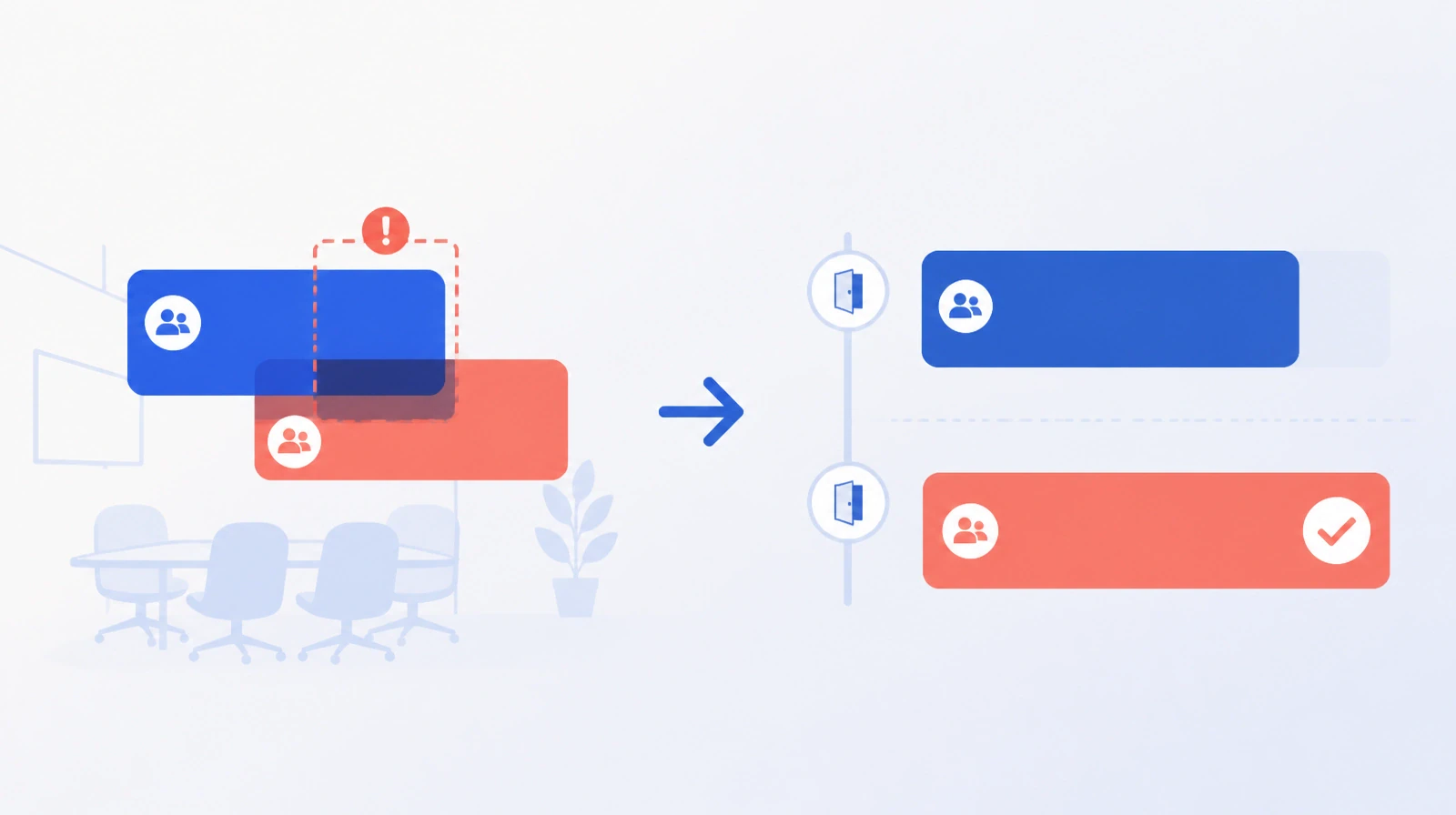
Meeting Room Booking Approvals: When They Are Needed and Who Decides
How an organisation decides which meeting rooms need approval in Ejtma: approvers per room, users who book directly, special-permission rooms, and approver reminders at 24, 48 and 72 hours.

The boardroom on the tenth floor is booked every Tuesday from ten to eleven. A marketing employee reserved it two months ago for a weekly team meeting, because it is the best room in the building and nothing prevented the booking. One Tuesday a bank delegation arrives to meet the chief executive, and the chief executive's office manager cannot find a room fit for the visit.
Another organisation has the opposite problem. Every booking needs the administrative services manager's approval, including a small room for four. The manager is on leave, requests wait, and people meet in corridors. Both cases are illustrations, not one client's story, but they describe two opposite errors in the same decision: which rooms need approval? This article explains how Ejtma handles that decision.
Approval only where it is needed
Approval has a cost. Every request waiting for a decision is an employee who does not know whether to invite guests or hold off. Approval helps when demand for a room exceeds its availability, or when the room has a use that does not suit every meeting. It hurts when it is imposed on ordinary rooms that every floor has.
In Ejtma the organisation switches approval on per meeting type, such as a meeting in a room on the premises or an online meeting. It then names the approvers for each room. A room with no approver sends its request to the general approver, where the organisation has set one. Without a general approver, the booking is accepted directly.
An organisation can therefore require approval for the boardroom and the main training hall, and leave small team rooms open to direct booking.
More than one approver per room
A room can have several approvers. The request reaches all of them, and one acceptance is enough provided no other approver rejects. This is not a chain of levels: the request does not pass from one approver to the next.
The rule has a practical benefit. Naming two approvers keeps requests moving when one is away. It also has a condition. One rejection is enough to reject the request, so the two approvers should agree in advance what they accept and what they refuse, such as priority for meetings with external guests.
The approver decides inside Ejtma or from a link in the email, so a clear request does not require opening the system.
Who books without waiting
For some users, waiting for approval is pointless. The chief executive's office manager books the boardroom every week, and the approver would accept every time. The organisation therefore lists, for each room, users who bypass approval and whose bookings are accepted directly. When the person booking is one of the room's approvers, the booking is approved without a request.
For some rooms, an approval step is not enough. A room marked as requiring special permission can be booked only by a user who holds that permission, so the approver never receives a request from someone not entitled to the room.
Booking on a room can also be put on hold while the room stays visible in the list. When a room goes into maintenance, a maintenance order blocks bookings for its period and shows employees a message with the reason.
The pending request and approver reminders
A request awaiting approval holds its time slot, so no other request can take it in the meantime. Meeting room booking conflicts covers this in detail. A slow approver therefore affects more than the requester: the room looks busy to everyone searching for a slot.
Ejtma reminds an approver who has not decided, by default 24, 48 and 72 hours after the request, by email and SMS. The organisation can change this schedule.
Ejtma does not cancel a request that stays undecided. It remains pending until an approver accepts or rejects. The person responsible for rooms needs to review pending requests, especially those whose meeting date is close.
Edits after approval
A booking can be approved and then changed by its owner. In Ejtma, an edit to a published meeting creates a new version that goes through approval again. If the meeting time has not changed, the earlier room approval stands, and the approver is not asked again about a slot already accepted.
Room approval is the first step in the workflow. Service approval and then parking approval follow, where the owner requested them, and then the meeting is published. Meeting services and the follow-up center explains the second step, and parking approvals the third.
Limits worth knowing
Ejtma does not restrict a room to a department or a branch. The available restriction is the special permission, which users receive through their roles. There is no maximum booking duration and no minimum notice before a meeting. Working days and hours apply to every booking, and the number of attendees cannot exceed the room's capacity.
For a recurring meeting, approval covers the whole series. If one occurrence clashes with another booking, the entire series is rejected with the reason and the date of the first clash. Ejtma does not skip the clashing date alone.
Decisions before switching it on
List the organisation's rooms and write two answers next to each. First: does demand exceed availability, or does the room have a particular use? If not, the room needs no approver. Second: who decides when the first approver is away? If there is no second name, the room will stall at the first holiday.
Then name, for each room, the users who book without approval. They are usually few and known by name. After a month in operation, review the requests that reached the third reminder. If they keep landing on one approver, the room needs another approver, or needs no approval at all.
You can learn more about Ejtma and how it manages meeting room booking and approval.