Meeting-Room Screens: The Room's Status on Its Door
A booked room no one shows up to wastes a resource in demand. How meeting-room screens put a room's real status on its door, and make the no-show booking visible.
Meeting-Room Screens: The Room's Status on Its Door
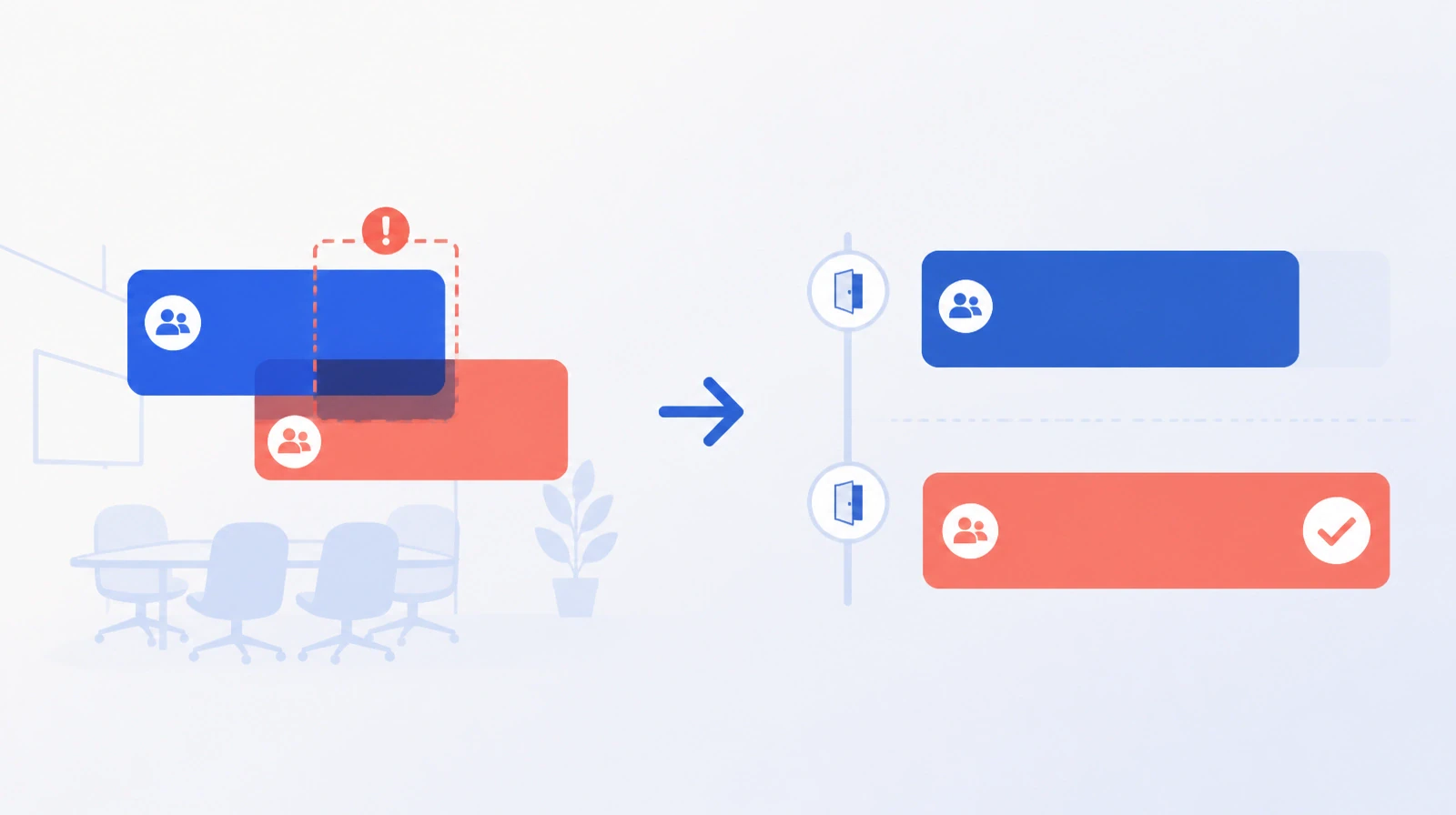
After booking conflicts are prevented, a quieter cost remains: rooms that are booked but never used. A meeting canceled at the last minute, or simply forgotten, leaves a room unavailable on paper while other teams have nowhere to meet. The room exists, but it is hidden behind a booking whose status no one can see.
The no-show booking: a hidden cost
A no-show booking does not appear as a problem in a report because it looks like usage when it is really an absence. An organization that believes it has too few rooms may actually have enough capacity, but lose part of it to unused bookings. As demand grows, the cost of an empty room increases when the schedule still shows it as busy.
The screen on the door
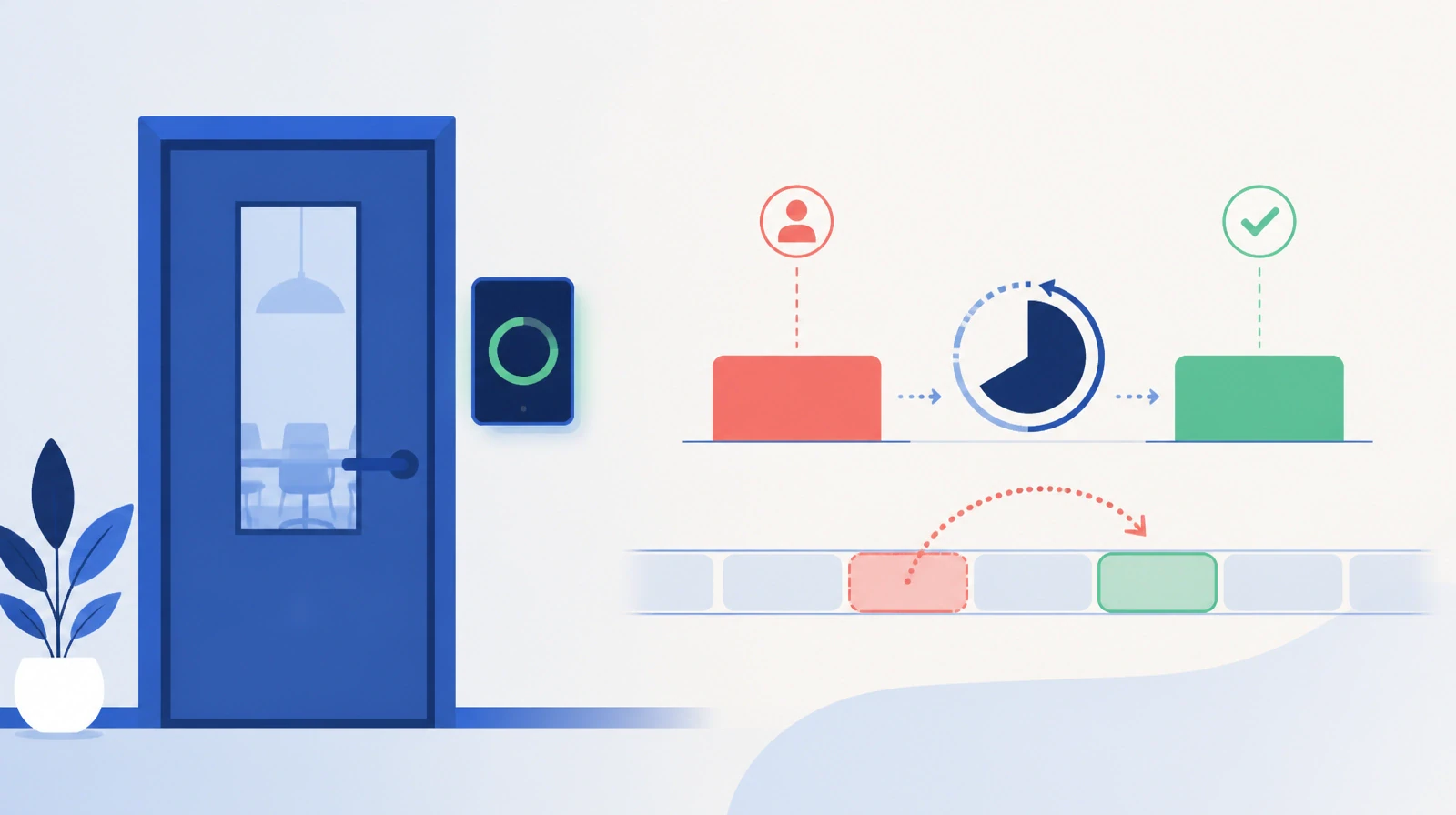
A small screen mounted outside the room shows its current status: booked or free, along with the next booking. It also displays that day's schedule for the room. For each meeting, it shows the time, organizer and team.
Someone looking for a room can read this information while passing by, without opening a system or asking another person. Availability is visible from the corridor rather than something that must be checked elsewhere.
The screen includes a QR code for booking the room on the spot. It refreshes automatically as reservations change, so it reflects the room's current status rather than a snapshot from an hour earlier.
Making the empty room visible
The screen also makes attendance harder to ignore. A room shown as booked while it is clearly empty is a contradiction visible to anyone nearby, rather than a silent line in an end-of-month report. Ejtma does not release the room automatically, and no timer reclaims a booking without notice. It makes the situation visible so the person who booked the room, or the next person who needs it, can act.
That visibility is the point. Rooms are released because someone can see that they are unused, not because a rule assumed that a meeting did not take place. Meeting-room booking conflicts and how they are resolved covers the other part of keeping a room schedule accurate.
A board for the whole floor
The same approach can extend beyond one door. A screen in a lobby or corridor can display several rooms on one board, showing each room's current booking and next meeting. Employees and visitors can check the status of a whole floor at a glance.
The practical step
Before adding rooms, consider a smaller question: how many existing rooms are booked but never used? Making that answer visible on the door can often have more effect than adding new space.
Start now and put each room's real status on its door.