Ejtma and Outlook: One-Way by Default, Two-Way on Request
Why Ejtma syncs with Outlook one way by default, what two-way sync requires, plus the Teams link on each booking and sign-in with Microsoft accounts.
The IT manager reads the request to connect the meeting system with Outlook and stops at the permissions line: full access to the calendars of every employee in the company. He rejects it within a minute, even though the support services department has been waiting for it for a month. The reason is clear. A permission that broad means one application can read every appointment in the company, including senior management meetings and HR interviews.
That is why Ejtma syncs with Outlook one way by default, from Ejtma to Outlook, with two-way sync available to those who ask for it. This article explains what each option does, what it requires, and how an organization chooses between them.
One way: from Ejtma to Outlook
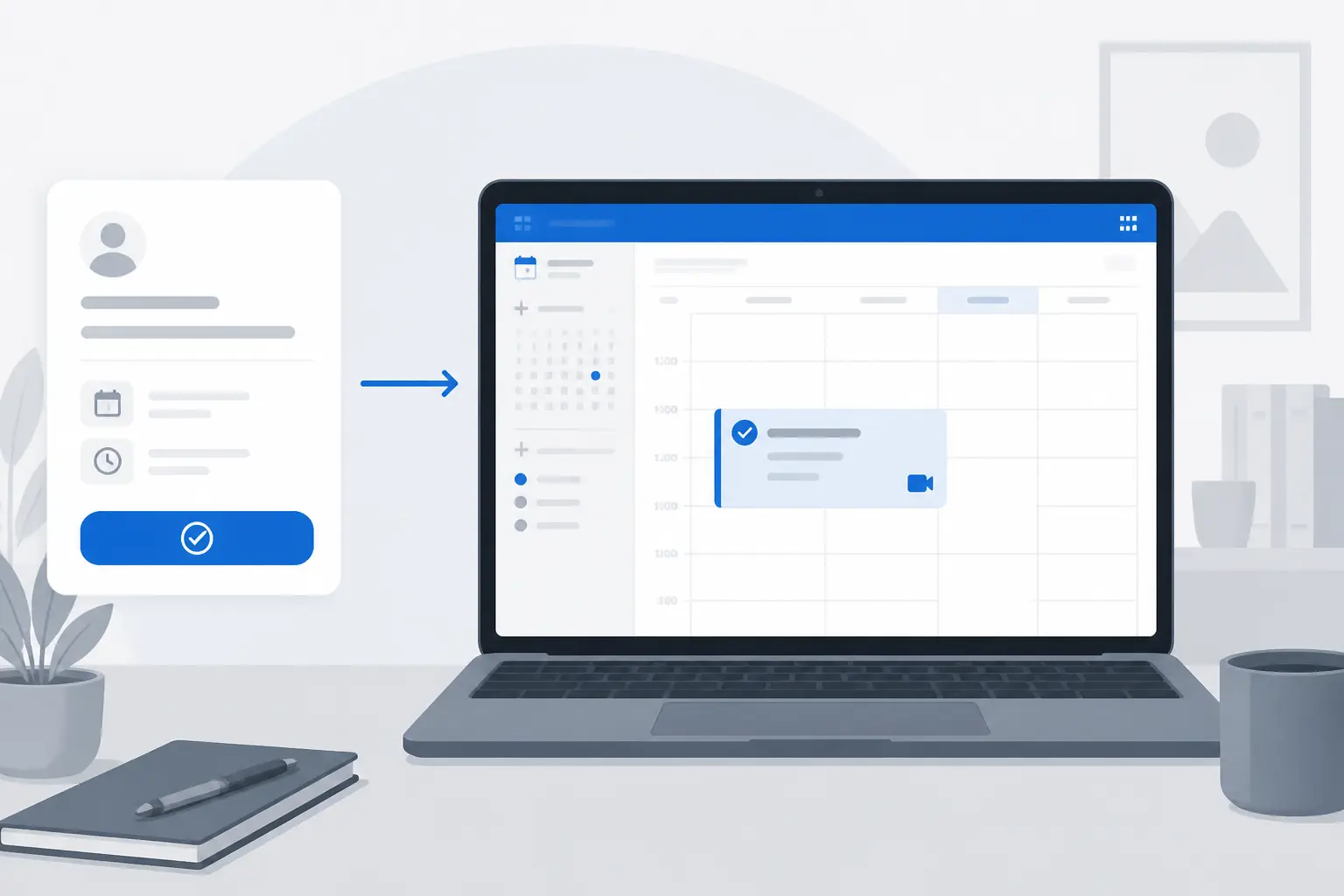
An employee books the meeting in Ejtma, and the event appears in the Outlook calendar. If they change the time or the room in Ejtma, the event changes in Outlook. If they cancel the booking, the event is deleted from the calendar. The calendar the employee checks every morning stays in line with their bookings.
This direction uses delegated permission. Ejtma writes to the calendar on behalf of the signed-in employee and does not need permission over every calendar in the company. So IT usually approves it without hesitation, and it is the setup most organizations choose.
The one-way rule: book and edit in Ejtma
One-way sync comes with a rule every employee should know. Booking and editing happen in Ejtma, not in Outlook. If an employee drags the event to another time in Outlook, the booking in Ejtma does not change, and the room stays booked at the old time. If they delete the event in Outlook, the booking stays in Ejtma.
So it helps to explain the rule at launch in one short, clear message: book, change, and cancel in Ejtma, and Outlook follows. If Outlook and Ejtma keep disagreeing, the usual cause is edits made directly in the calendar.
A Teams link with the booking
A meeting where some participants join remotely needs a link. A booking in Ejtma can carry a Teams meeting link, and the link travels with the event to the Outlook calendar. The organizer does not have to create the meeting in Teams, copy the link into a separate message, then check that everyone received it. A participant opens the event in their calendar and finds the link there.
Two-way: what it adds and what it requires
With two-way sync, Ejtma also imports the events employees create in Outlook, every five minutes. An employee used to booking from Outlook keeps that habit, and their events appear in Ejtma within minutes.
The price is a broader permission. Importing needs full access to the calendars of every employee in the company, the permission most IT managers refuse. That is why one-way remains the usual setup, with two-way available to those who ask.
Importing every five minutes also means a new Outlook event can take a short while to appear in Ejtma. That is fine in most cases, but worth mentioning to employees who book minutes before a meeting.
How an organization chooses
One-way suits an organization that protects its calendars and will not give an outside application access to every appointment. It also suits an organization that wants Ejtma to be the single place for booking, so that every booking goes through the conflict check and approvals.
Two-way suits an organization whose employees have booked from Outlook for years, and whose IT department accepts the broader permission after reviewing it. In the end it is a security decision before it is a technical one, so it is best made by IT together with the department that manages the rooms.
Sign-in with Microsoft accounts
Ejtma supports single sign-on with Microsoft accounts. Employees sign in with the account they already use for email and Teams, with no new password to remember. Control over access stays with the account the company already manages.
Before switching it on
Before switching on the sync, an organization needs a decision on the direction and a short message to employees explaining where booking and editing happen. After the first week, it helps to have a few employees open Outlook and check that the week's bookings are there at the right times.
The whole sync depends on a correct booking in the first place, one that does not conflict with others, the subject of meeting room booking conflicts. Services tied to a booking, such as catering and its approvals, are covered in meeting services and the follow-up center.
You can learn more about Ejtma and how it connects to Outlook.